

Getting started · brands
Set up your brand profile
Updated October 27, 2026
When you sign up, Bimah asks what you are promoting: a website or store, or an app on the App Store or Google Play. Paste one link and Bimah reads your home page, about page and a few product pages (or the public app listing) to fill in your name, logo, description, category, location, social links and top products.
Everything appears on one review screen. Fields Bimah filled show a small Prefilled tag, and anything it could not find stays empty — Bimah never makes up text, prices, ratings or reviews. A kosher certification (such as OU, OK, Star-K or cRc) is only filled when your site actually shows it, and you must tick to confirm it.
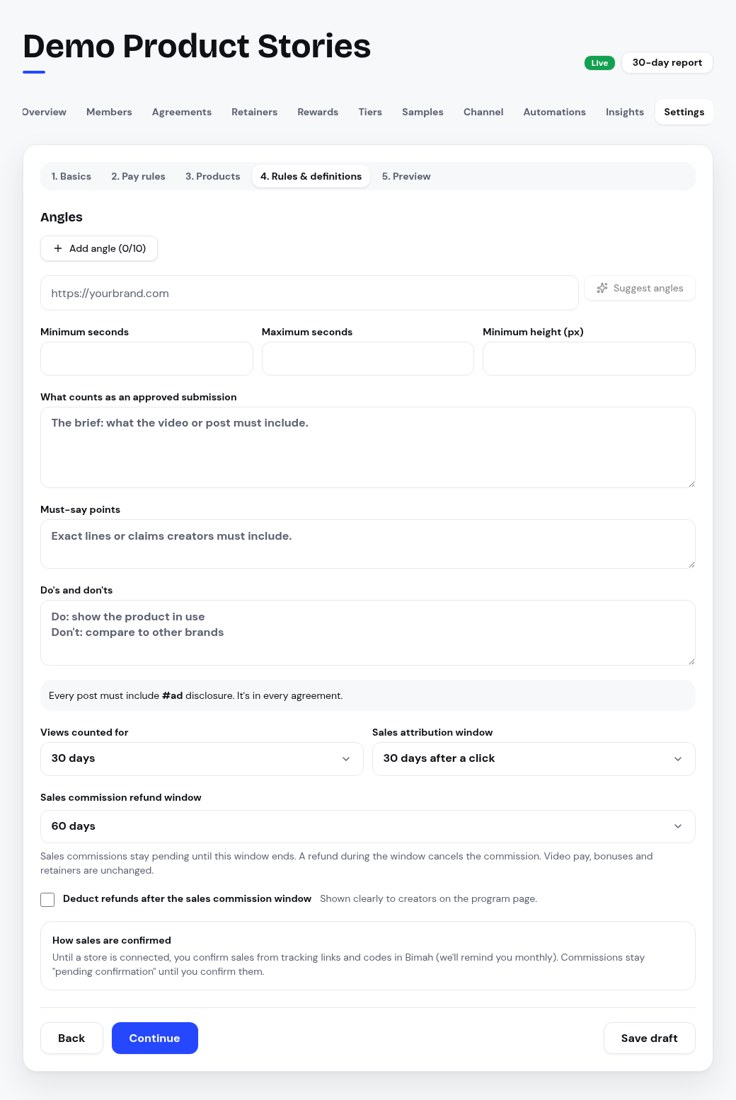
Then Bimah drafts your first campaign — title, brief, must-say points, suggested angles and a suggested budget. You edit it before publishing. Nothing is published or charged automatically.
If your site blocks reading, takes longer than about 20 seconds, or the link is wrong, Bimah tells you and you can fill it in yourself. Prefer to skip it? Choose Fill in myself. Quick start can run 10 times per brand per day and counts toward your Bimah AI limits.
You can change anything later in Settings → Brand profile.
Was this helpful?
Still need help? Contact support or email contact@joinbimah.com.